Scan to Download Android
Or visit GitHub Releases for latest versions
Files scattered across your private cloud? Search instantly, preview on the spot.
Cross-platform file search & preview | Windows · Android · VSCode · Server
Your files are spread across PC, phone, and tablet. When you need them, they're never where you expect. Cloud search is too slow, local search only works on one device.
Want to view a document on your phone but it's on your PC. Have to upload to cloud first. File transfer between devices is a hassle.
Need a specific app to open each file type. PDF, images, code — each format needs a different application. So annoying!
Waiting for search results feels forever. If you don't remember the exact filename, you're out of luck. Isn't there a faster way?
Type your keyword and results appear instantly. Supports exact match, fuzzy search, and regex — whatever you need.
No need to download specialized apps. Preview directly in browser: PDF, images, video, Office docs, code, Markdown — all built-in!
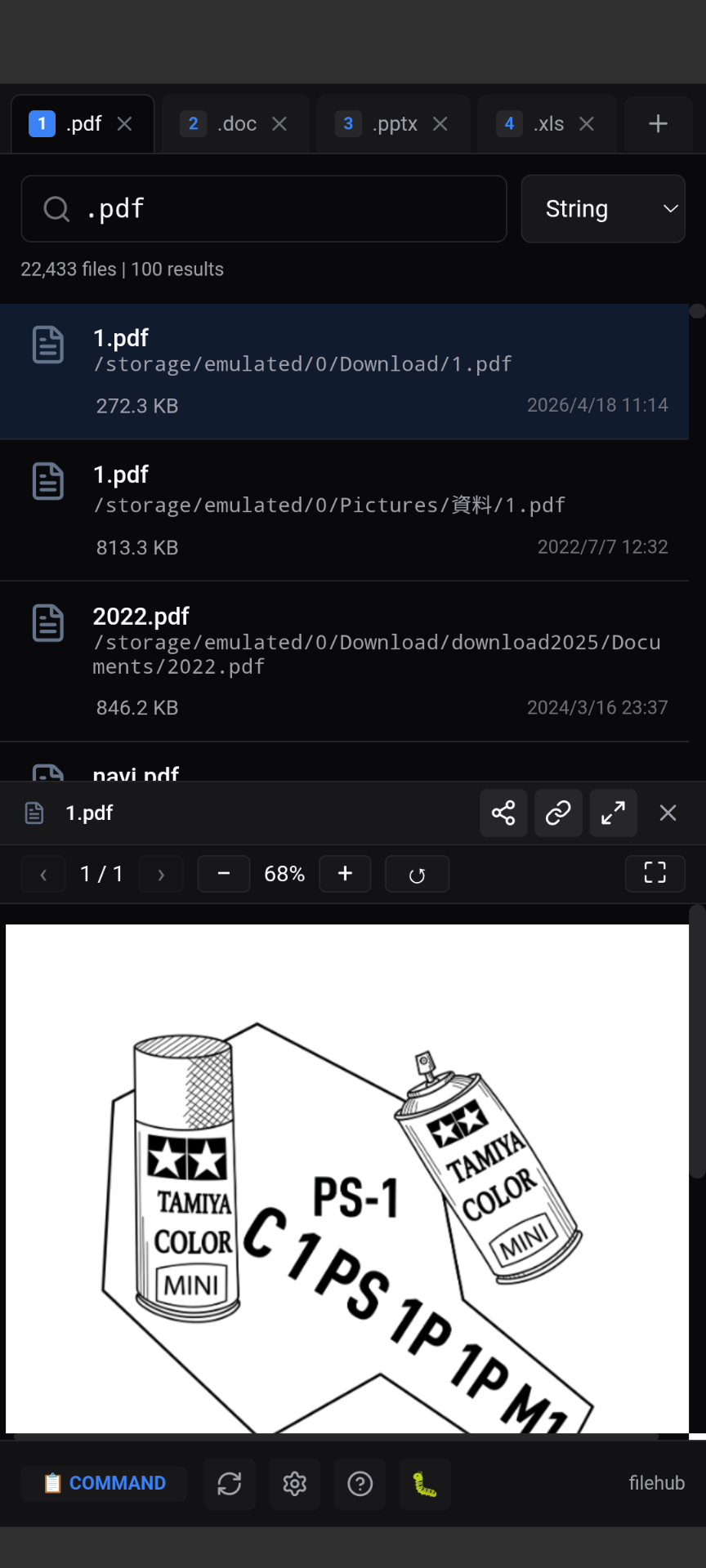
Access files from phone, tablet, or PC on the same Wi-Fi. Scan QR code to open on mobile instantly.
All data stored locally, never uploaded to cloud. LAN access can be password-protected — you control the security.
Dark/Light theme adapts to your environment. Keyboard shortcuts boost productivity once you learn them.
Windows desktop app, Android app, Docker server — pick what fits your use case. All your devices covered.
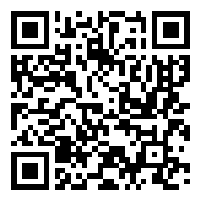
Or visit GitHub Releases for latest versions
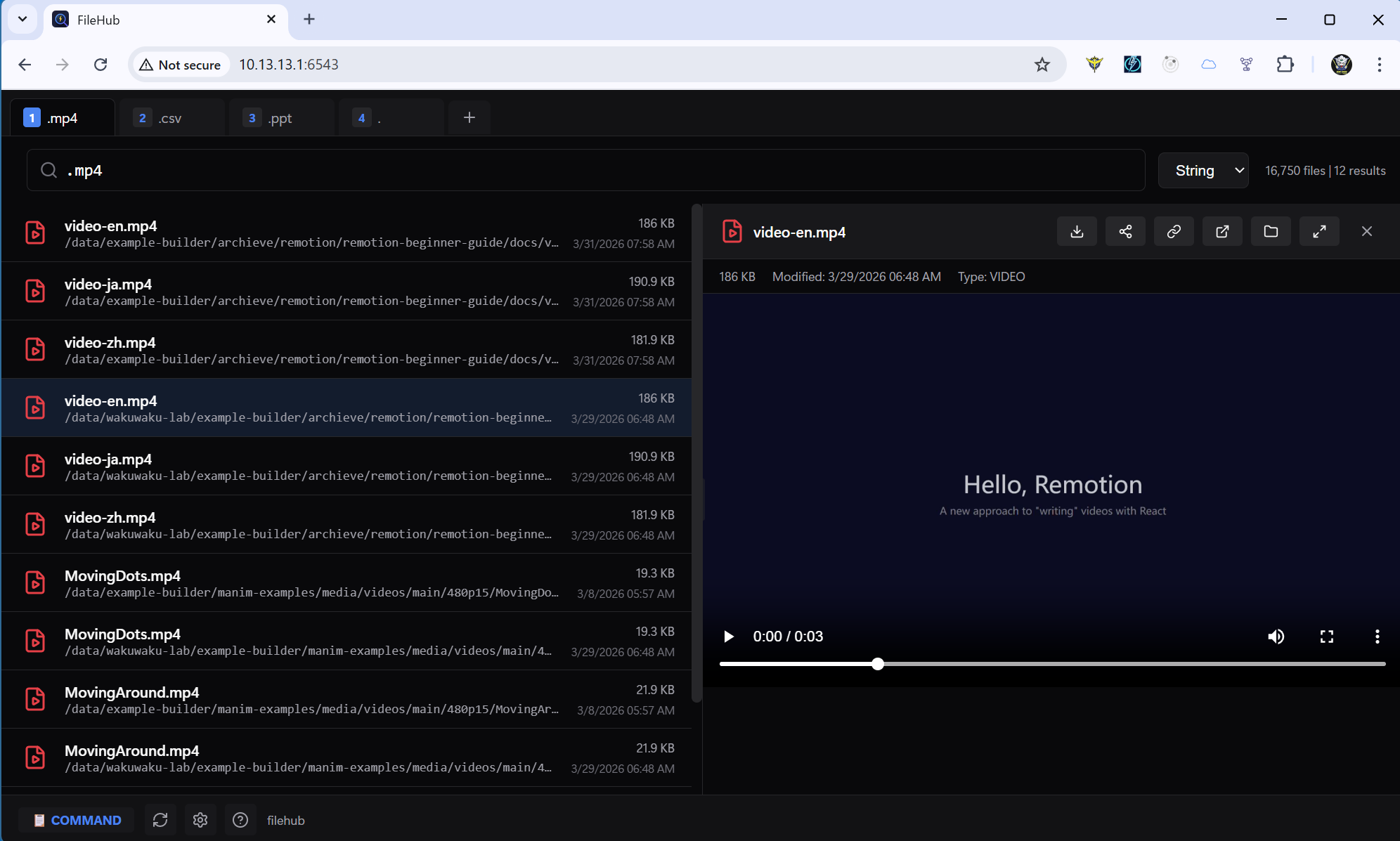
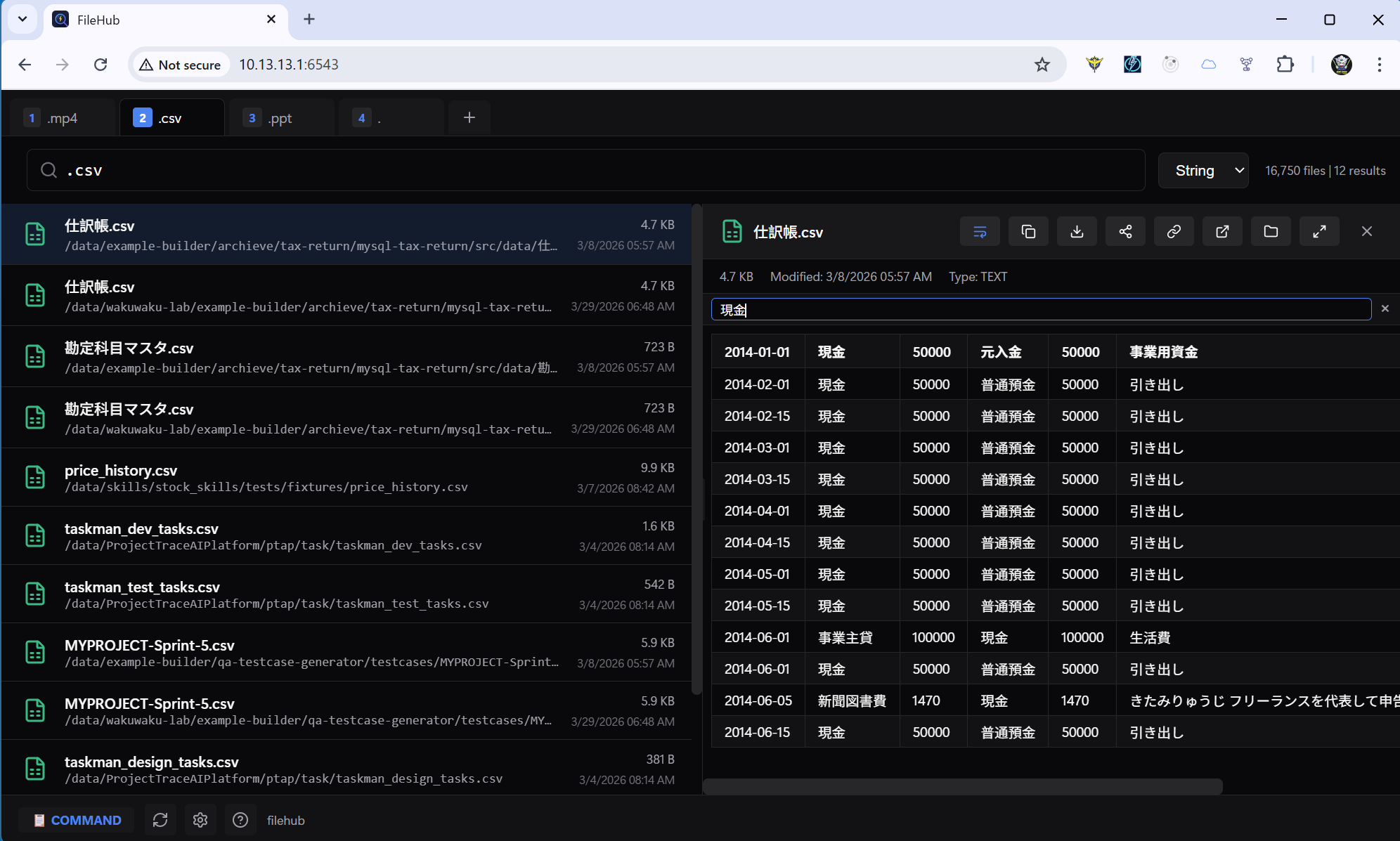
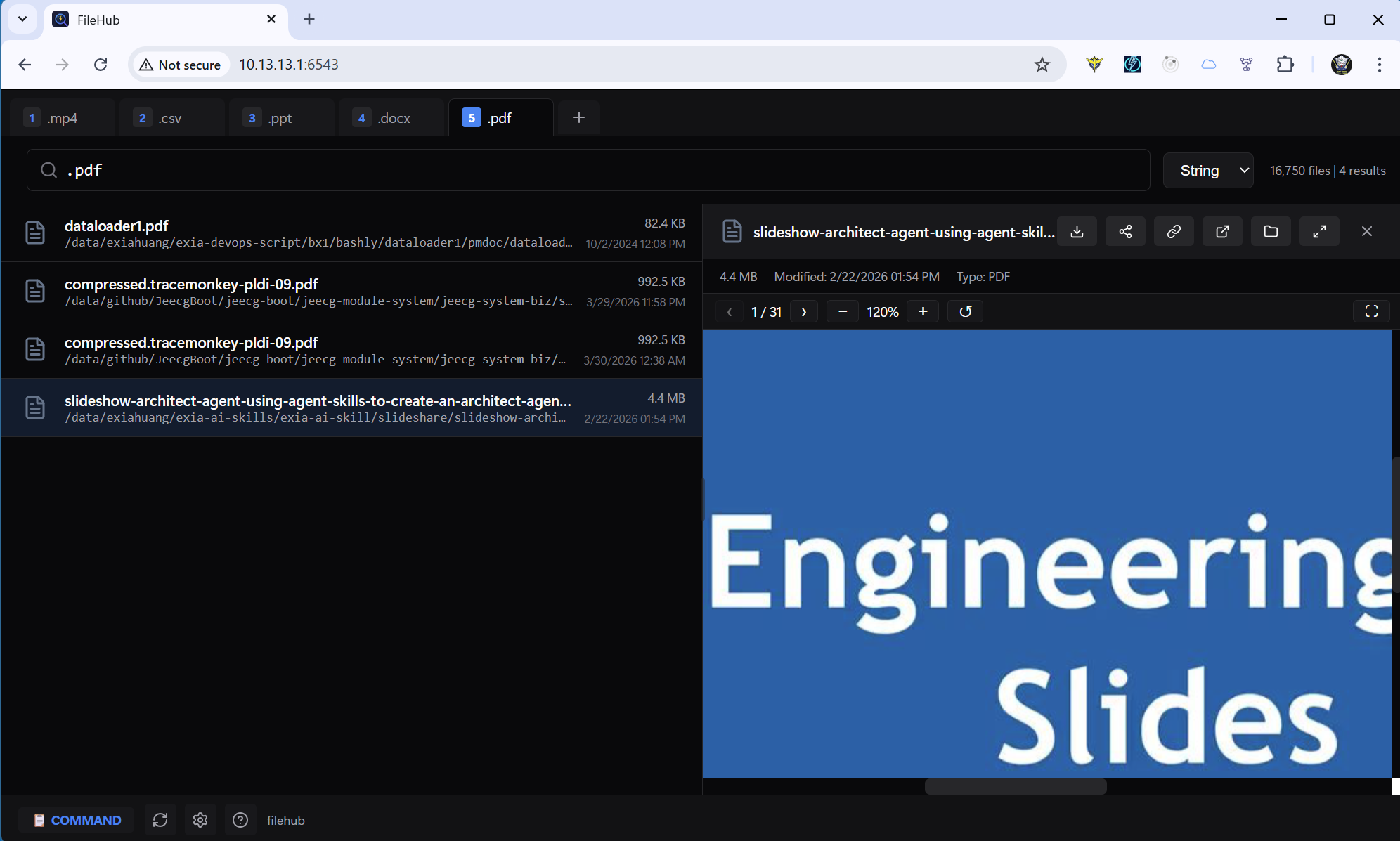
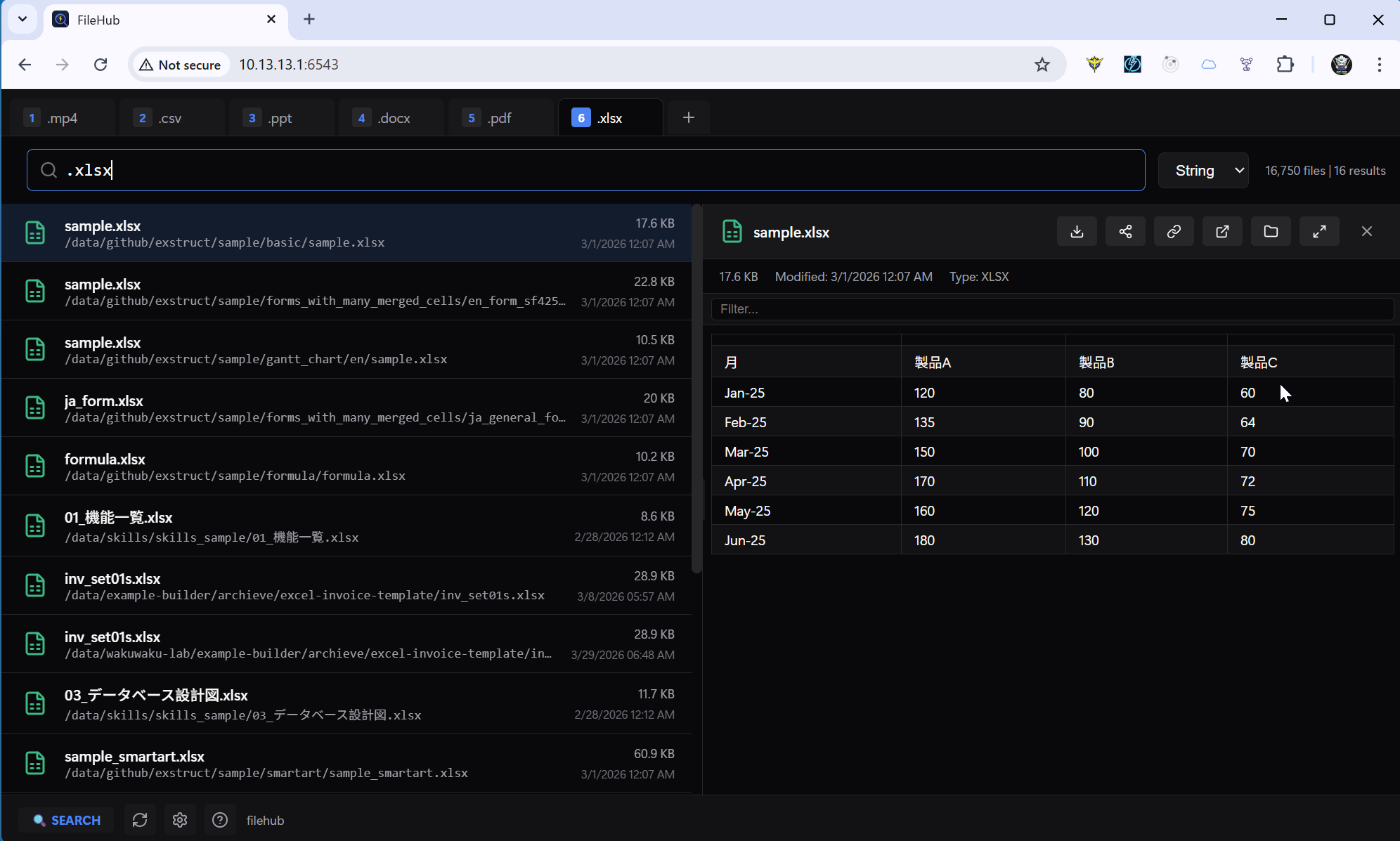
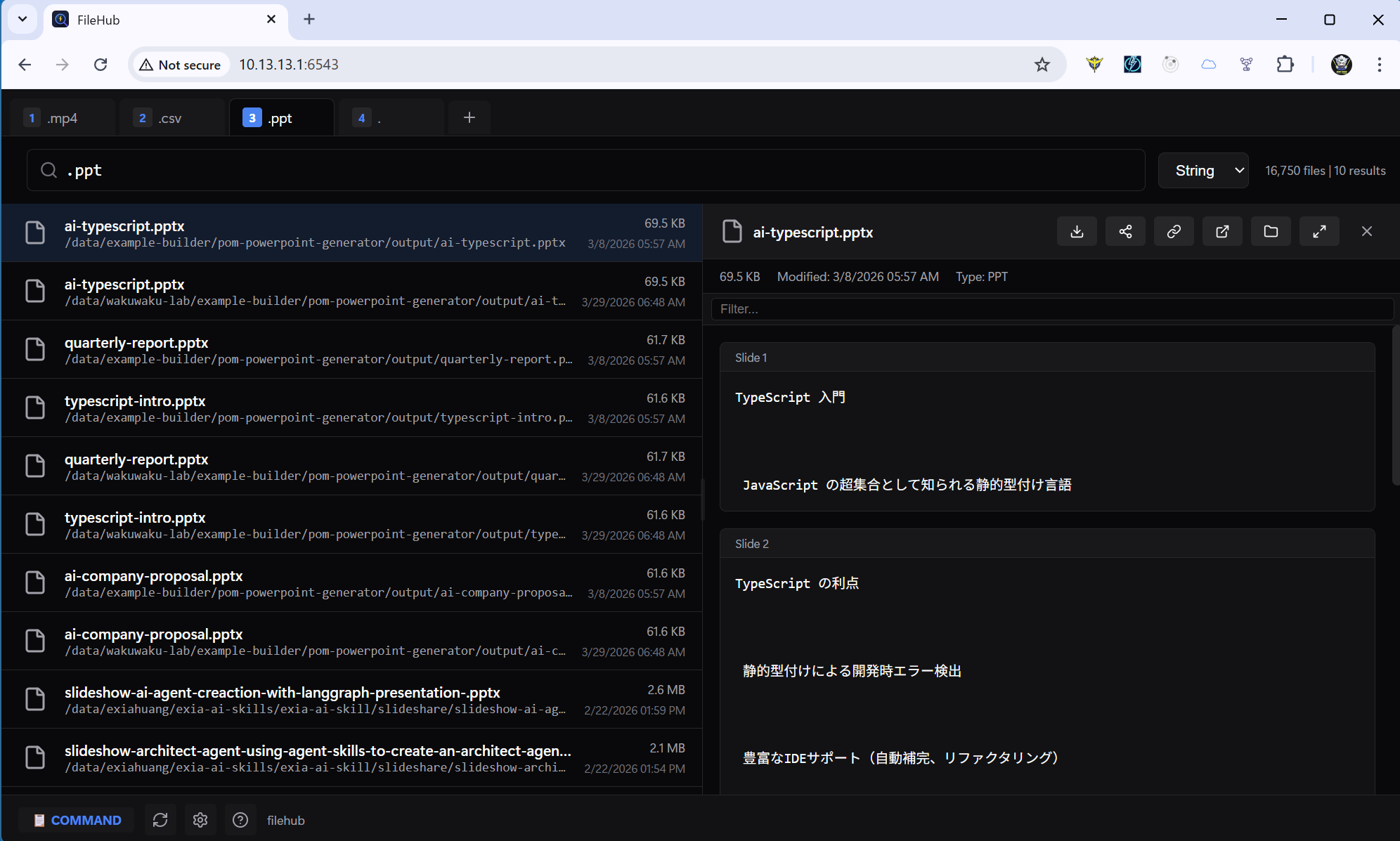
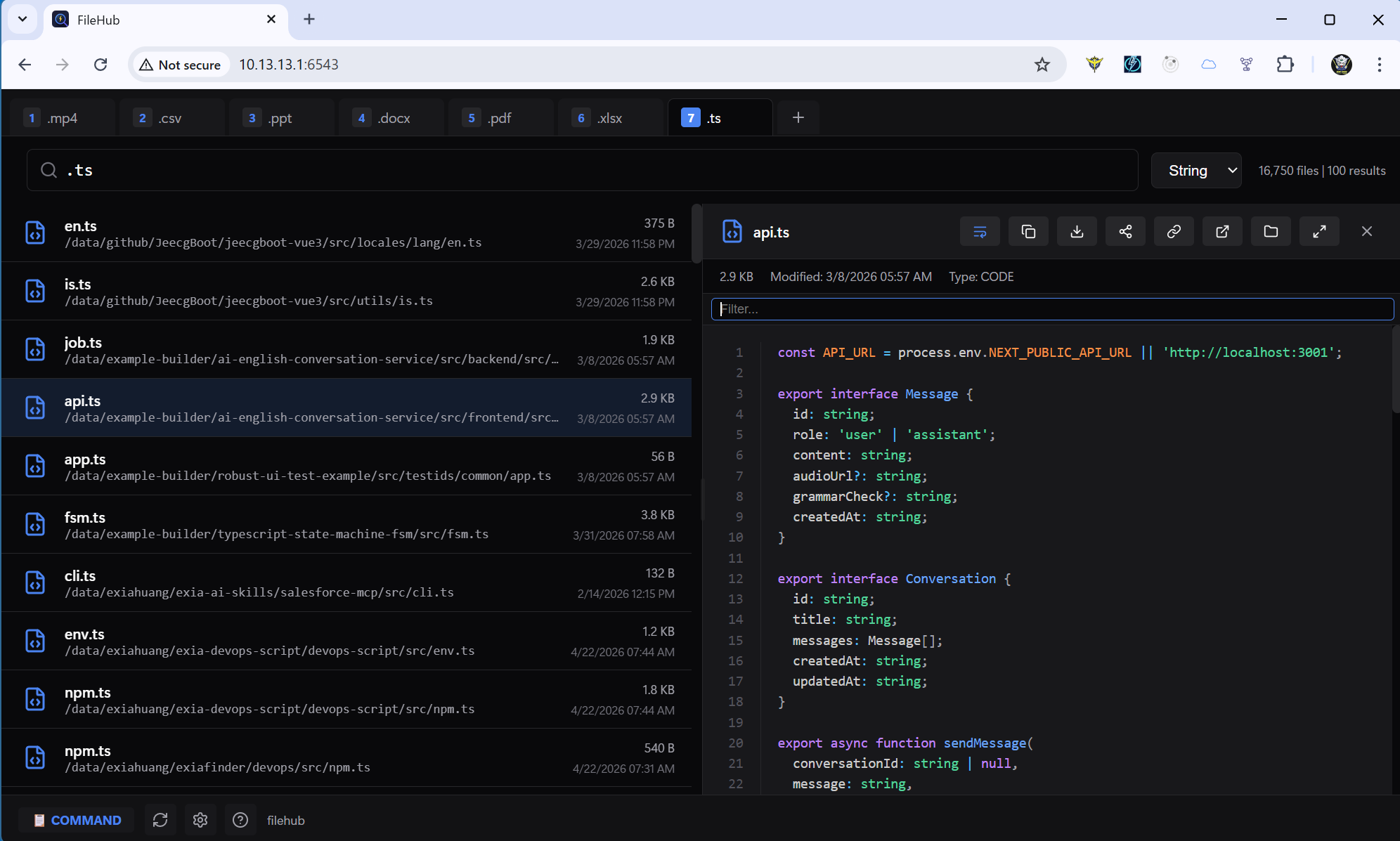
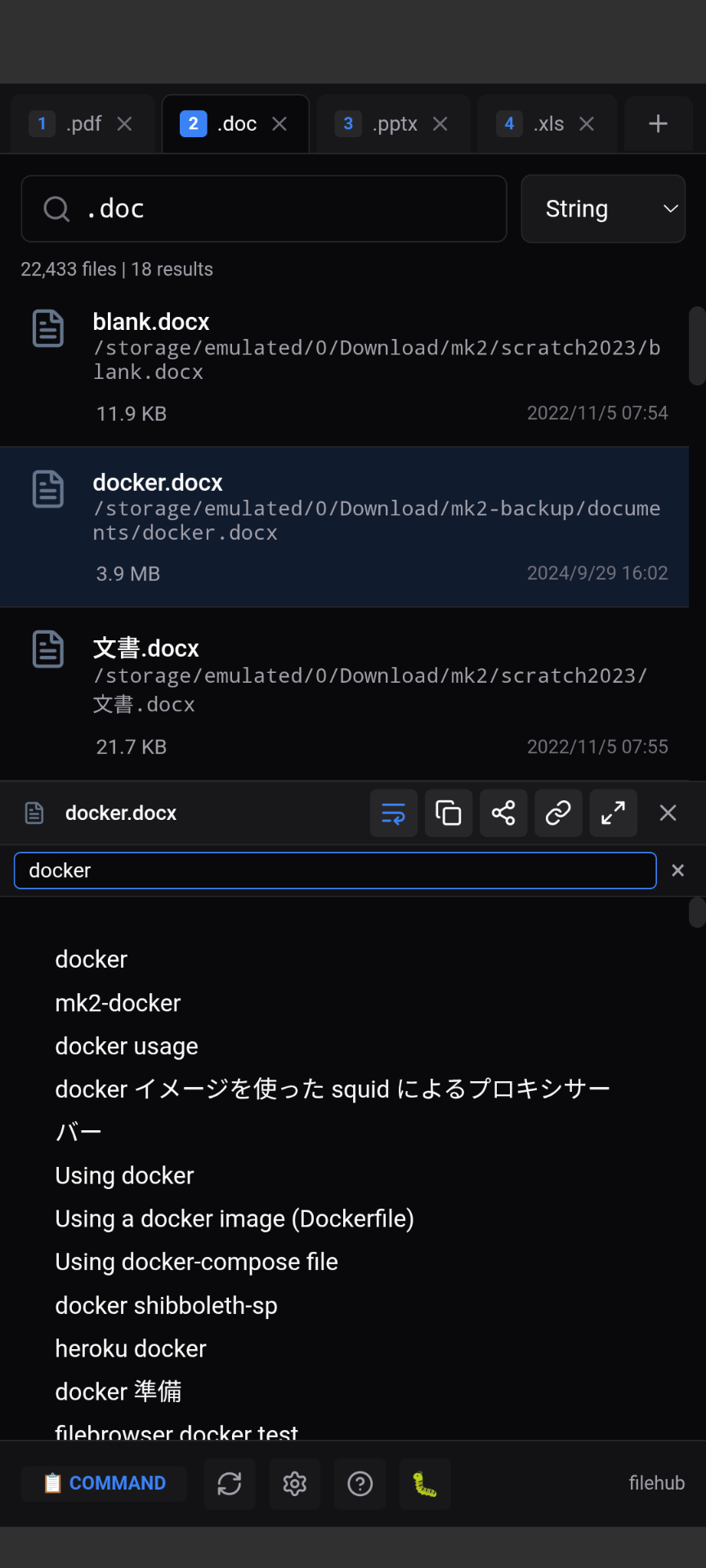
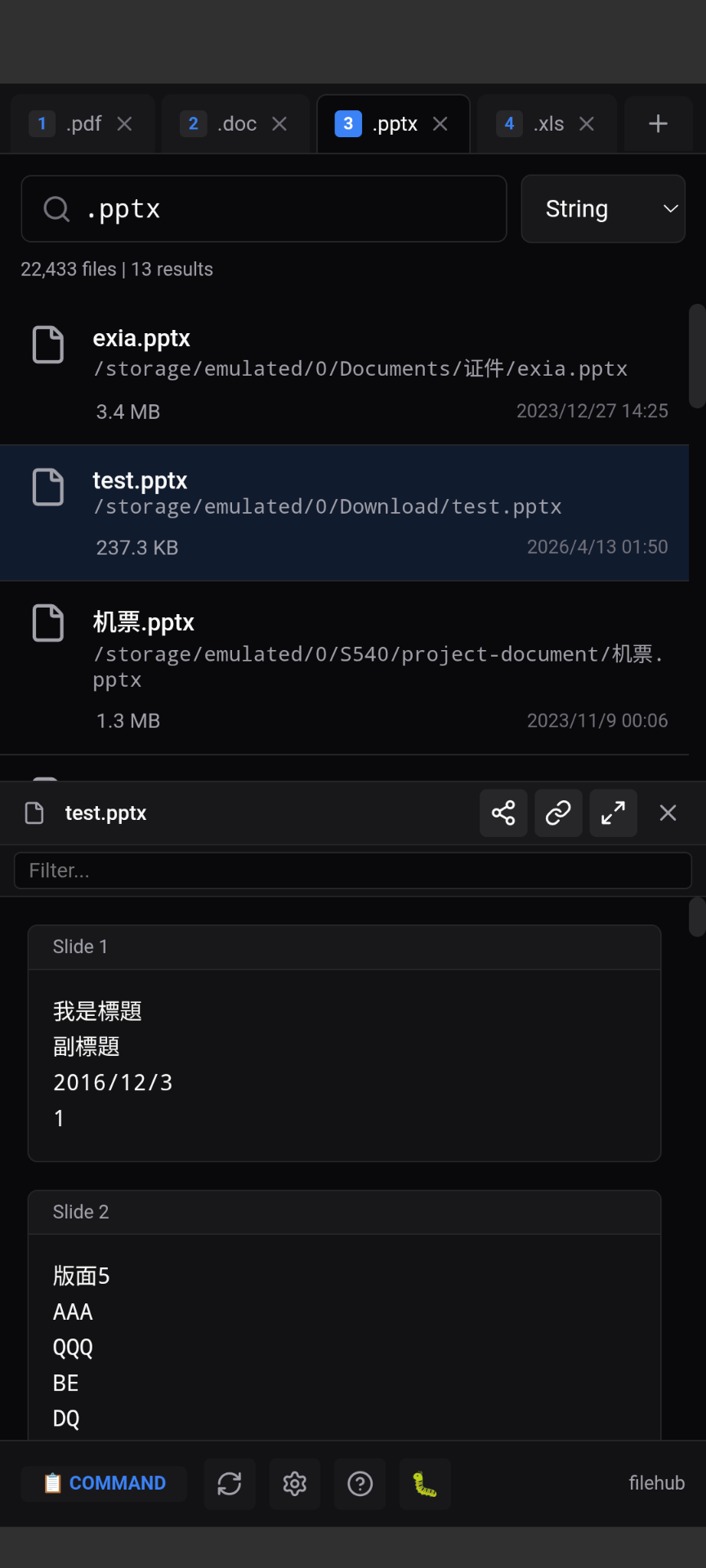
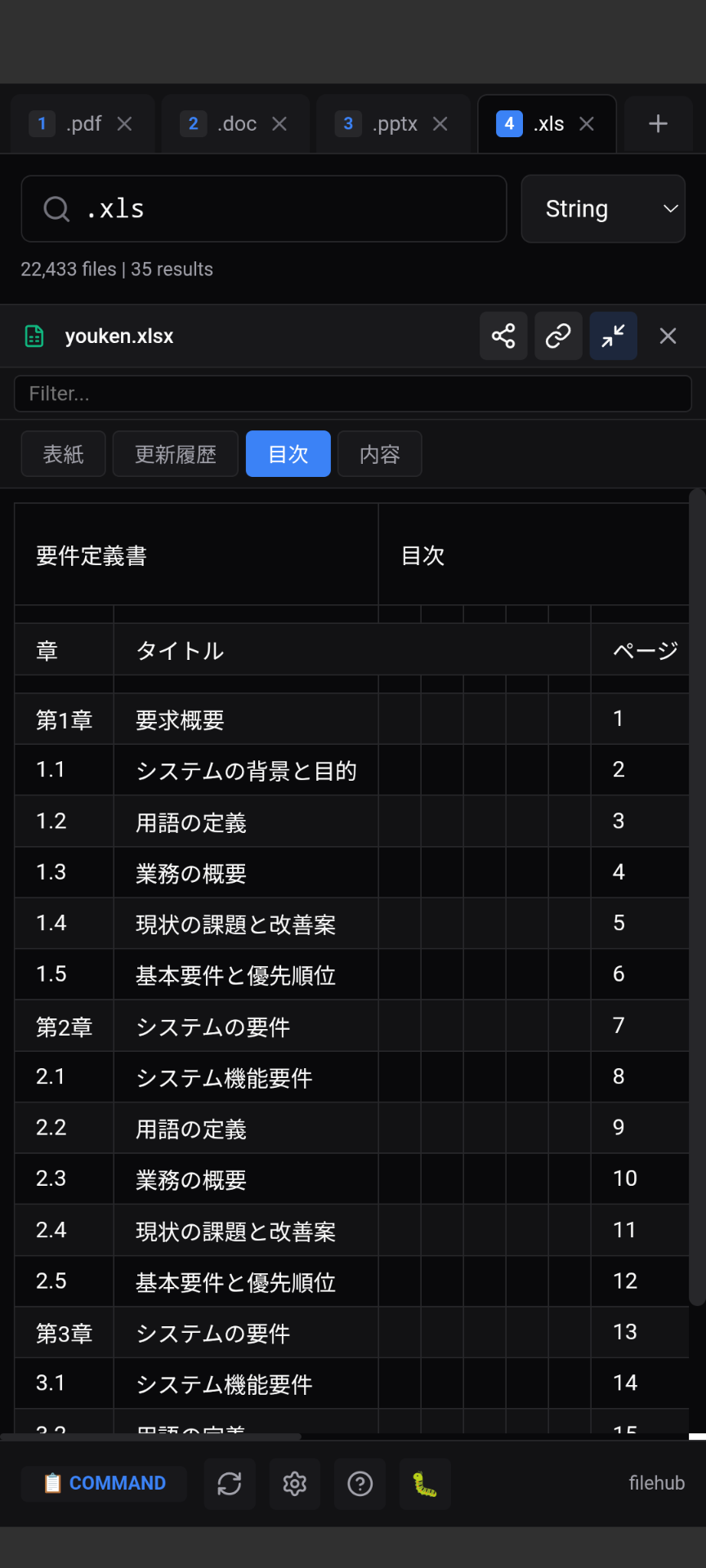
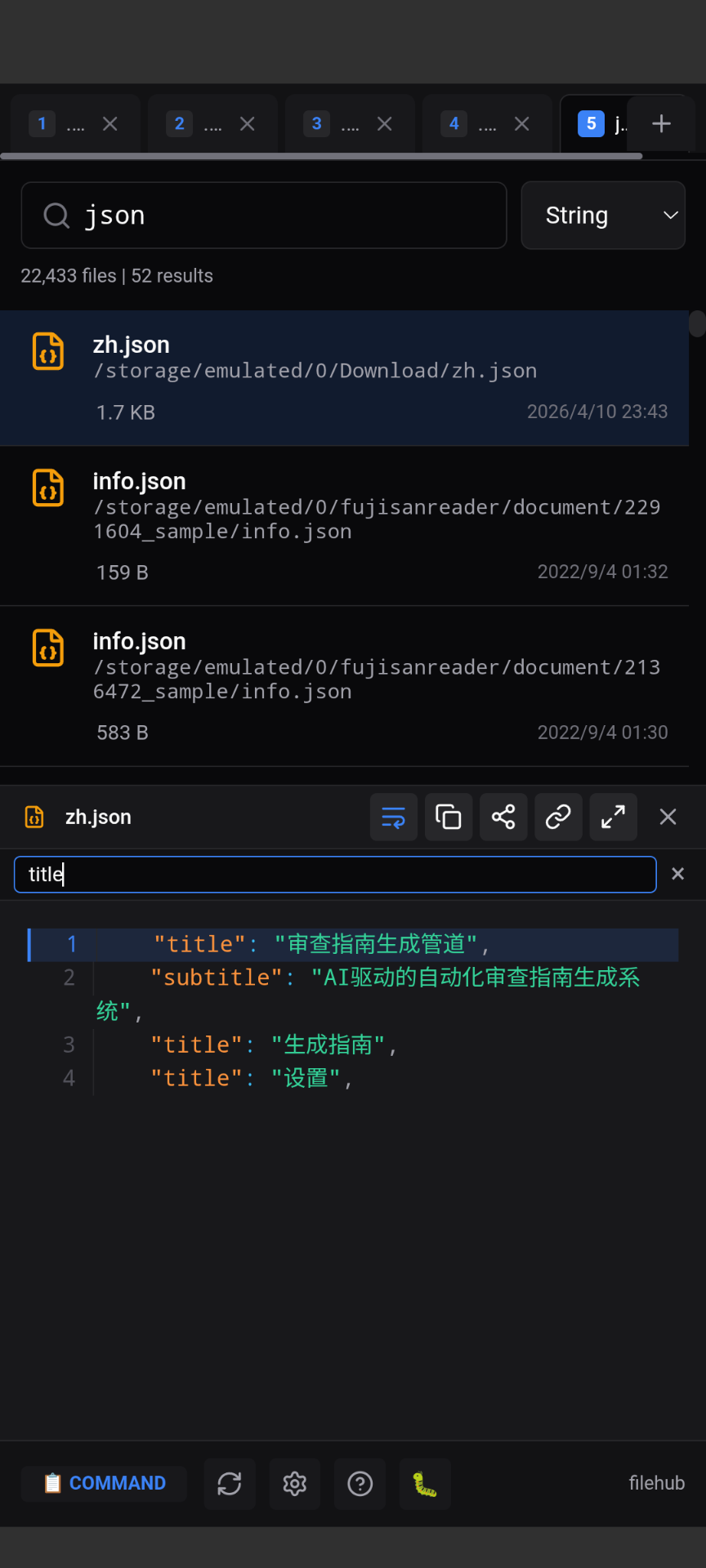
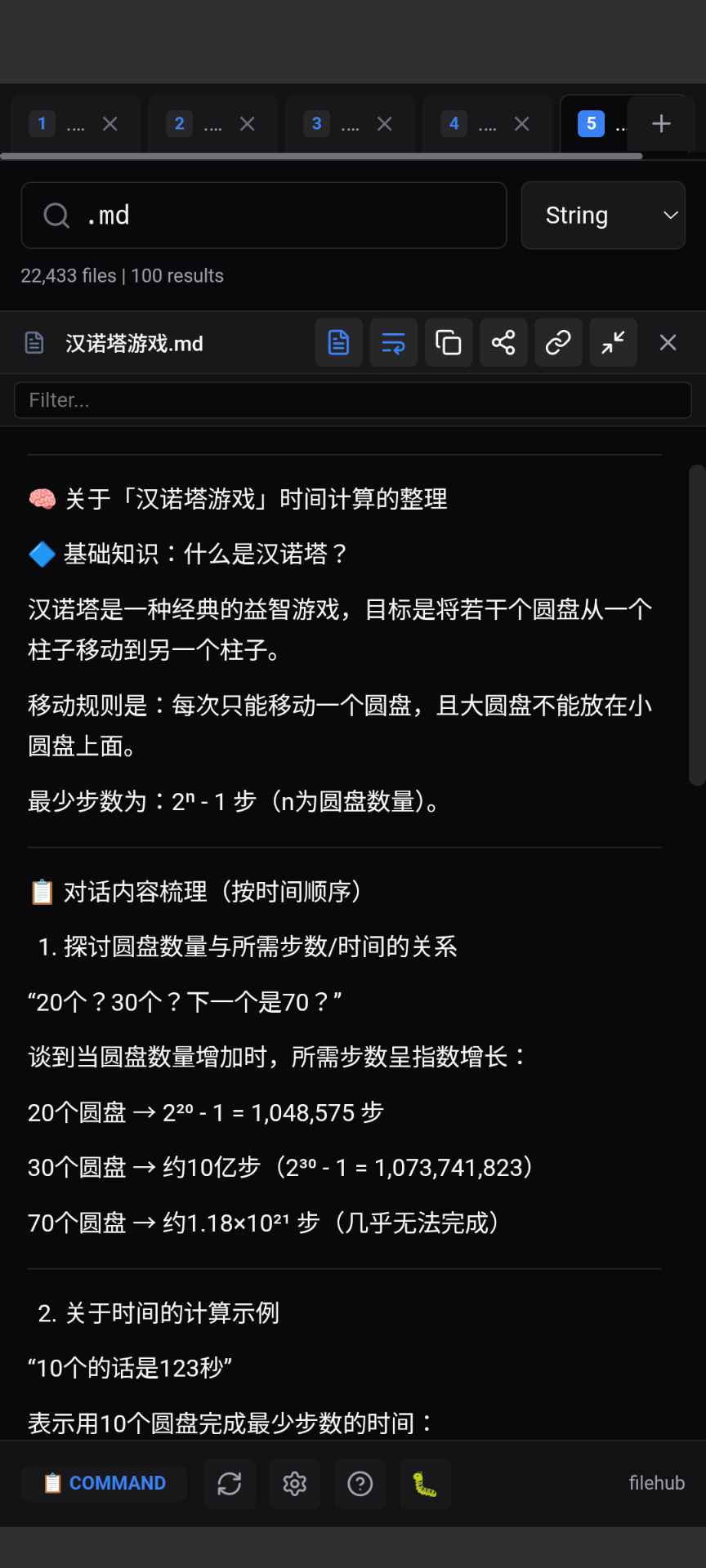
Full desktop experience for Windows, macOS, and Linux mainstream PCs, with system tray background running and deep file manager integration.
New way to manage phone files, built-in web server for multi-device access over LAN.
Instant file search and preview inside VSCode. Open text files directly in the editor with one keystroke.
Works on NAS, Raspberry Pi, any server. One-click Docker deploy. Perfect for home media center.
Choose the version that works for you
1. Download from GitHub Releases
2. Extract the zip file
3. Run filehub.exe
Requires Windows/MacOs/Linux and WebView2 Runtime
1. Download APK from GitHub Releases
2. Enable "Install unknown apps" in Android settings
3. Open the APK file to install
Requires Android 8.0+ (API 26+)
docker pull exiahuang/filehub-server:latest
docker run -d -p 6543:6543 -v /data:/data exiahuang/filehub-server:latest
# Then open http://localhost:6543 in browser
One command to get started. Works on NAS, Raspberry Pi, any server.
npm install -g @exiahuang/filehub
filehub-server
# Then open http://localhost:6543 in browser
Requires Node.js 18+
1. Install from VSCode Marketplace (search "FileHub")
   or: code --install-extension filehub-vscode.vsix
2. Press Ctrl+Shift+F to open FileHub
3. Configure indexed directories in Settings
Requires VSCode 1.85+ and Node.js 18+